

Blog IPFighter

What is a CAPTCHA? The check that separates people from bots
Whether it is selecting traffic lights in an image grid or simply clicking "I'm not a robot", CAPTCHAs are the ultimate digital security checkpoints standing between users and automated bots. Designed to analyze browser signals and distinguish human behavior from scripts, these verification challenges help platforms block spam, protect login gateways, and mitigate automated abuse.
In this article, IPFighter explores the mechanics behind CAPTCHA technology, the primary reasons websites enforce extra verification steps, and how different CAPTCHA variants function. We also share actionable methods to complete challenges efficiently and troubleshoot persistent verification loops. Show more

What is a mesh network and when should you use one?
Have you ever wondered why traditional WiFi routers struggle to cover every corner of your home, leaving you with frustrating dead zones? That is precisely where a mesh network comes in - connecting multiple nodes to create a seamless, resilient network that eliminates coverage gaps without relying on a single central hub.
In this guide, IPFighter explains what a mesh network does, how it works, its main types and applications, key benefits, potential limitations, and how mesh WiFi compares to a traditional router or WiFi extender. Show more
What is an IP2 network? How it works, uses, and benefits
If you search for IP2 network, you may find different explanations. Some describe it as a decentralized, privacy-focused network, while others use “IP2” to refer to unrelated IP services or live-streaming communities. In technical contexts, however, the term is often associated with I2P (Invisible Internet Project), a decentralized and encrypted peer-to-peer network designed for private communication and services.
In this guide, IPFighter explains what an IP2 network can mean, why it is often linked to I2P, how I2P works, its main use cases, benefits and limitations, and how it compares with privacy technologies such as VPNs and Tor. Show more
Explaining how to know if you have a DNS leak
Running a DNS leak test and seeing a table full of server addresses can be hard to make sense of without knowing what to compare it against. This guide walks you through how to know if you have a DNS leak by reading IPFighter's DNS leak test results in detail, and what to do depending on what you find. Show more

How to know if you have a WebRTC leak: Reading your results
Running a WebRTC leak test and seeing a wall of server names and IP addresses can be confusing if you don't know what you're looking at. This guide walks you through exactly how to know if you have a WebRTC leak by reading IPFighter's test results in detail, and what to do depending on what you find. Show more
How to improve IP score: A complete guide
If your IP score on IPFighter shows anything below "Good", it's easy to see the number and not know what to do with it. This guide walks you through exactly what your IP Score results mean from the overall percentage to the platform-by-platform breakdown and what steps to take depending on what's actually causing your score to be low. Show more
What is an IP fraud score? Reading the 0-100 scale
Are you wondering what the ip fraud score is and how to read it? In this guide, IPFighter explains what an IP fraud score is, the factors that influence it, how to interpret different score ranges, why it matters for online activities, and how to reduce the risk associated with your IP address. You'll also learn where to check IP fraud score before using an IP for sensitive tasks such as account creation, automation, or web scraping. Show more
Mastering WebRTC control to prevent browser privacy leaks
Using a VPN or proxy doesn't always guarantee that your real IP address stays hidden. Without proper WebRTC control, your browser may still expose network information that websites can use to identify you.
In this guide, IPFighter explains what WebRTC control is, how it works, and the best ways to prevent WebRTC leaks across different browsers. Show more
What is a localhost IP? Understanding 127.0.0.1 in development
Many developers and beginners often encounter the term localhost IP address when working with tools like XAMPP, Docker, Node.js, or local web servers. At the same time, many users are confused when they can't access their locally hosted websites or don't understand why the 127.0.0.1 address keeps appearing during development.
In this guide, IPFighter explains what a localhost IP is, how 127.0.0.1 works, why localhost is important in modern web development, and how to troubleshoot some of the most common localhost connection issues. Show more
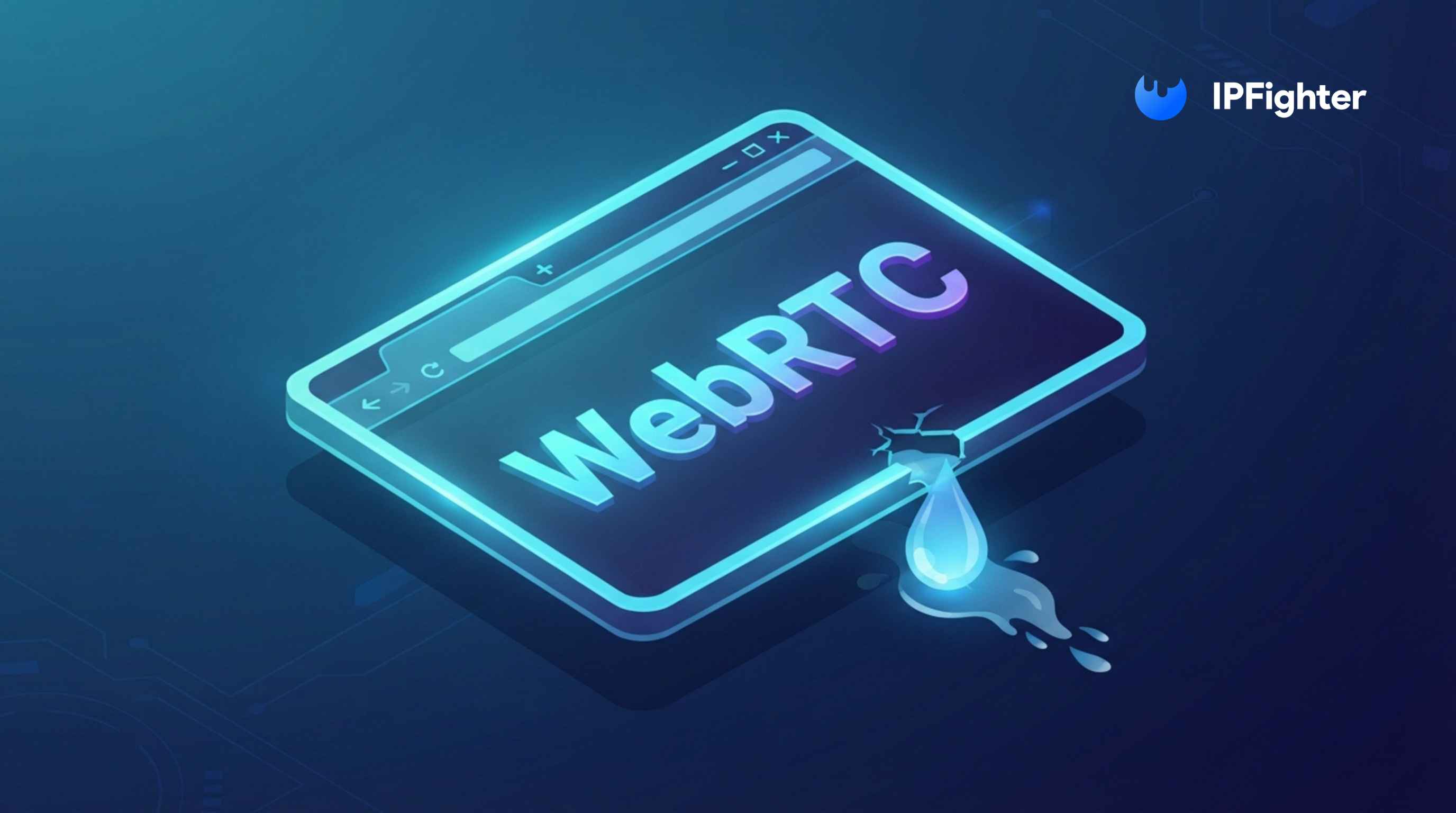
WebRTC leak: Why your real IP address may still be exposed
Have you ever connected to a VPN only to discover that websites can still see your real IP address? Many users assume that enabling a VPN or proxy completely hides their identity, but that's not always the case. A feature built into modern web browsers called WebRTC can sometimes bypass these protections and expose information you intended to keep private.
In this guide, IPFighter explains what a WebRTC leak is, why it happens, what information it can expose, how to detect it, and the best ways to prevent it from compromising your online privacy. Show more
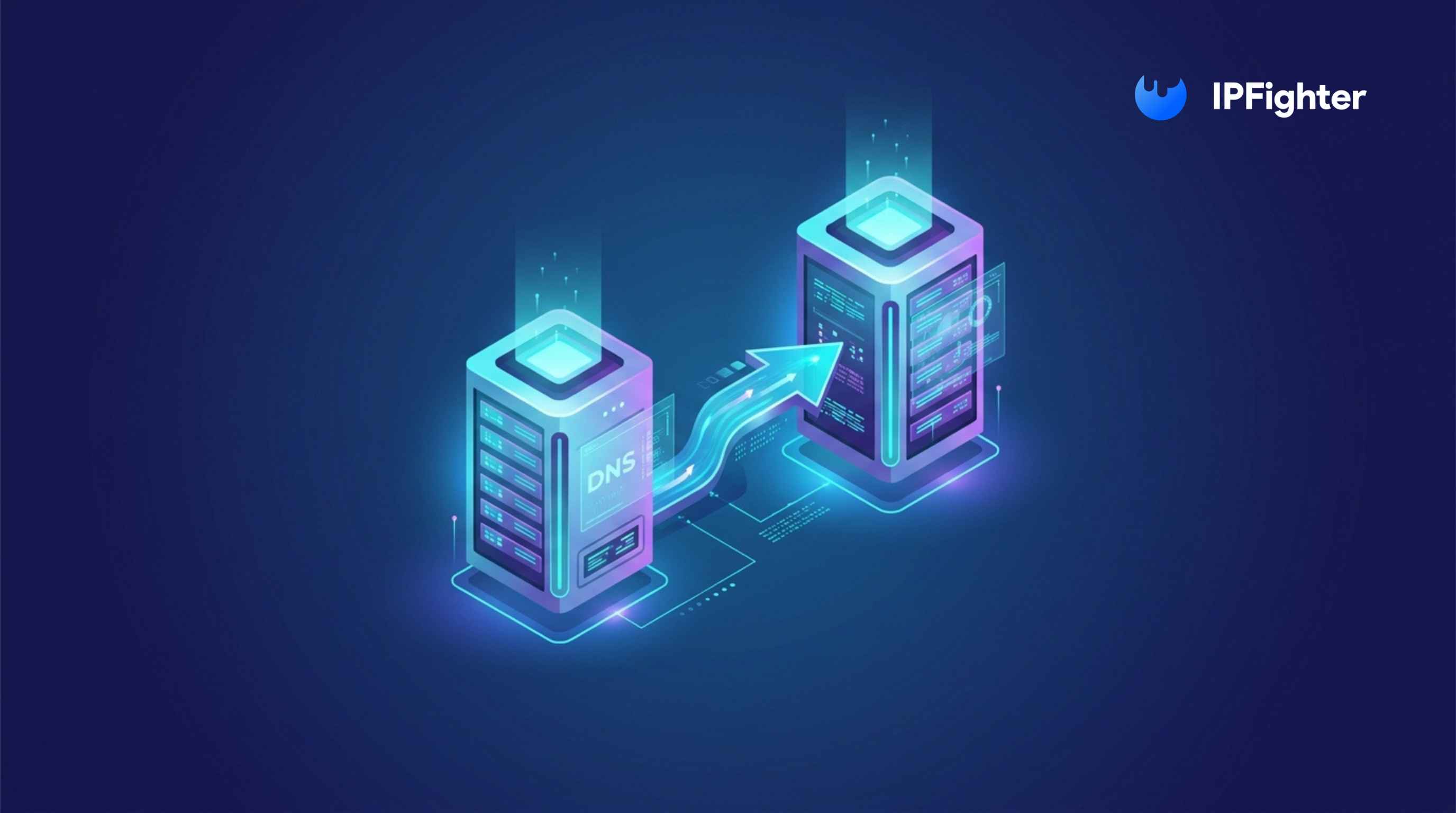
Understanding DNS forwarding for network optimization
Why does one network load websites almost instantly while another takes noticeably longer, even though both use the same internet connection? One reason is how DNS requests are handled behind the scenes. Many businesses and organizations improve both speed and security by using DNS forwarding.
In this guide, IPFighter explains what DNS forwarding is, how it works, why organizations use it, and how it helps optimize DNS performance while reducing security risks. Show more
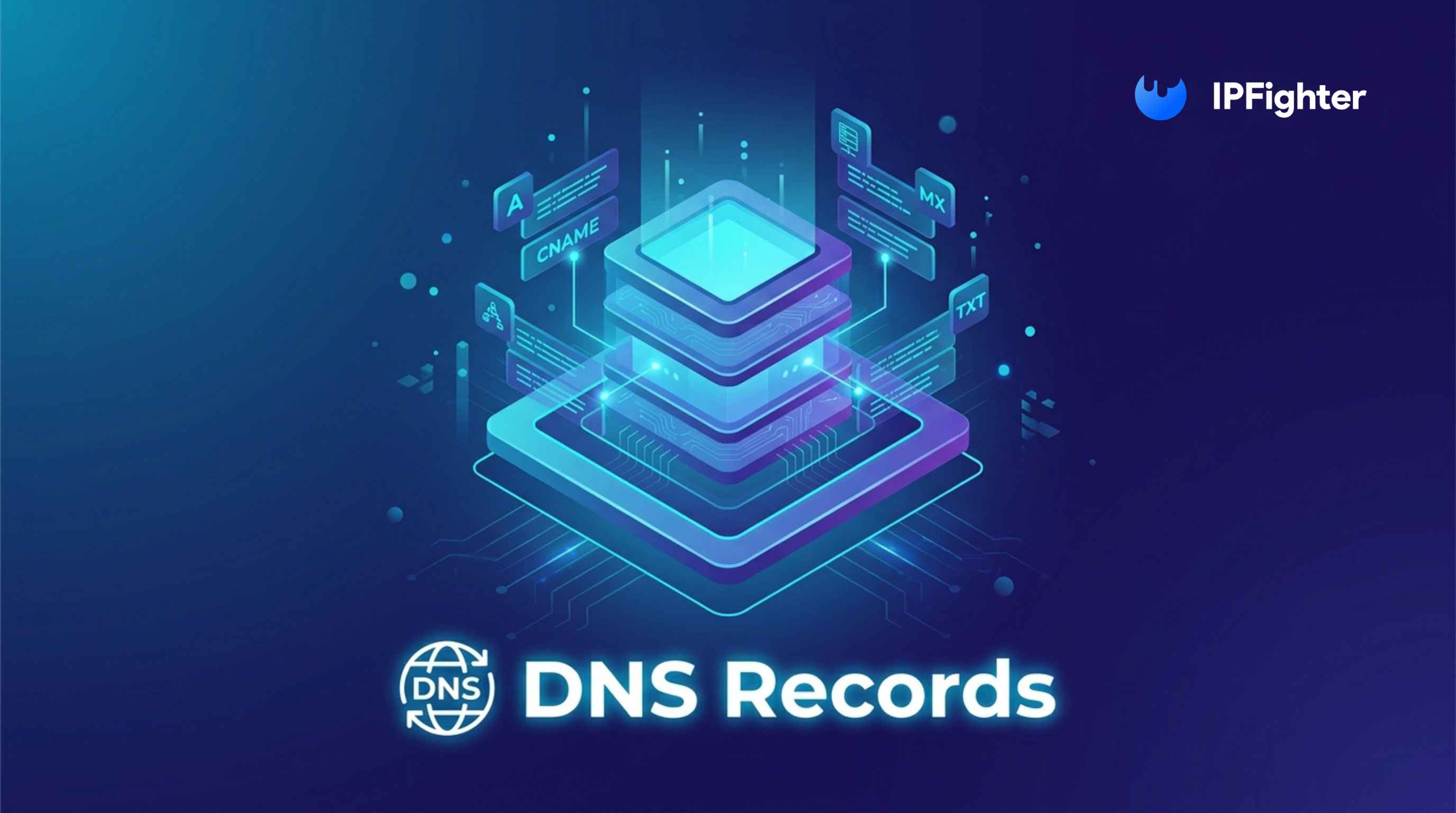
DNS records - The ultimate blueprint for website & email routing
Have you ever wondered how a domain name knows where to send visitors, emails, or online services? The answer lies in DNS records - the instructions that tell the internet how a domain should function. From connecting websites to servers and routing emails to verifying domain ownership, DNS records play a critical role in keeping online services running smoothly.
In this guide, IPFighter explains what DNS records are, how they work, the most important record types, and how to configure them correctly. Show more
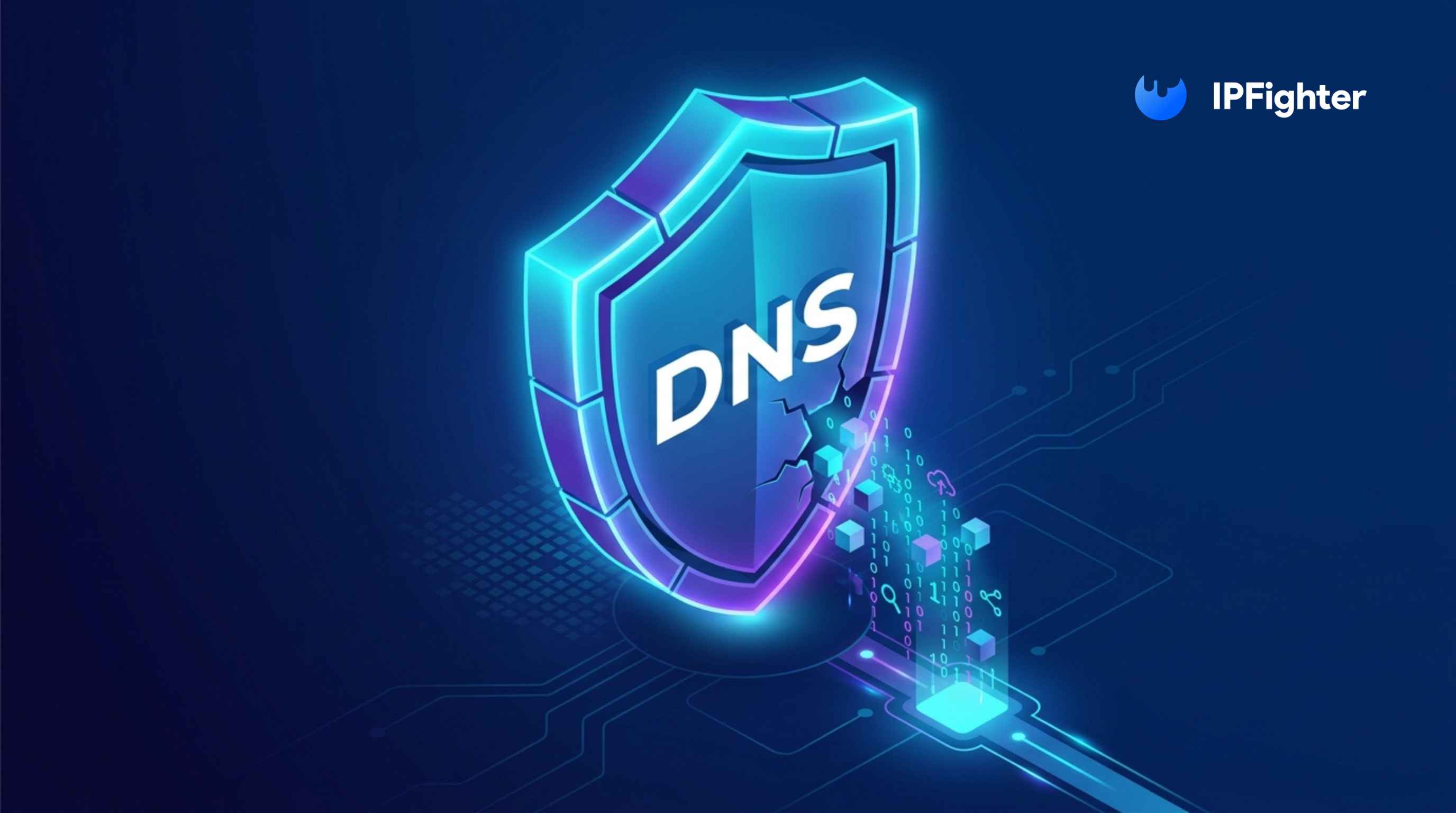
DNS leak: The silent threat to your online privacy
Are you using a VPN or proxy but still being detected, blocked, or having access restricted by websites? In some cases, the problem may not be your IP address but rather a DNS leak exposing your connection information.
In this guide, IPFighter explains what a DNS leak is, how it happens, the risks it creates, and how to prevent it. Show more
What is a virtual IP? Understanding VIPs in networking
Every networked device requires an IP address to communicate with other systems. Traditionally, an IP address is assigned directly to a physical server, router, firewall, or workstation. However, modern enterprise networks often require much higher availability, scalability, and fault tolerance than a single device can provide.
This is where a virtual IP (VIP) becomes useful. Instead of being tied to one physical device, a virtual IP can represent an entire service, cluster, or group of servers. In this guide, IPFighter explains what a virtual IP is, how it works, why organizations use it, and how it differs from traditional physical IP addresses. Show more
How to warm up IP address: Why new IPs need reputation building
Every new IP address starts with little or no reputation. Because security systems have no historical data to evaluate, new IPs are often treated more cautiously than established ones.
This is why many organizations choose to warm up IP address before using it for large-scale email campaigns, account management, or other online activities. By gradually increasing activity over time, an IP can build trust and develop a positive reputation. In this guide, IPFighter explains what it means to warm up an IP address, why it matters, and how to do it safely. Show more
What is an ASN lookup? How to track autonomous system numbers
Every IP address on the Internet belongs to a larger network operated by an ISP, cloud provider, hosting company, or enterprise organization. ASN lookup helps identify which network owns a specific IP address and provides valuable information about its infrastructure and routing.
But what exactly is an ASN, and why is ASN data important for network analysis, cybersecurity, and proxy verification? In this guide, IPFighter explains what ASN lookup is, how it works, and the practical ways it can be used to investigate network ownership and Internet infrastructure. Show more