

Safety and security have become top concerns for users whenever they access the internet. To address this need, VPN apps for mobile have emerged as an effective solution, helping protect personal information and bypass geographical restrictions. In this article, we introduce the best VPN apps for mobile, compatible with both Android and iOS operating systems, making it easy for you to choose the application that best suits your needs.
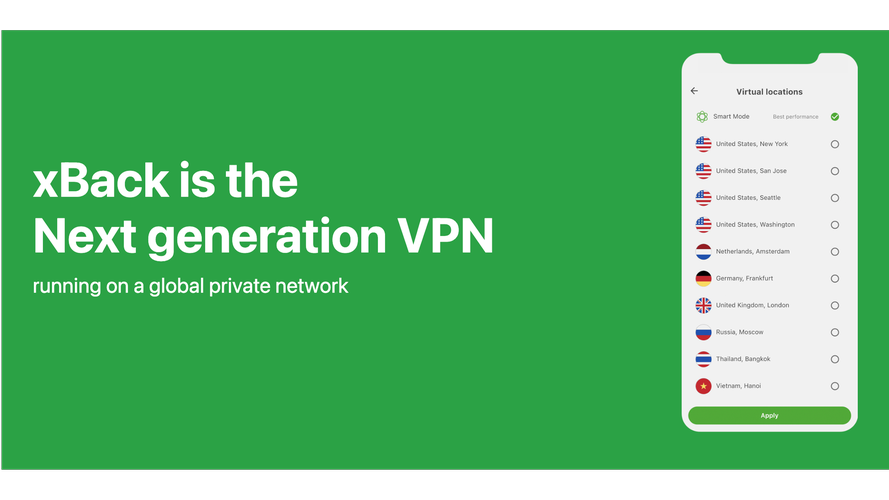
xBack VPN
xBack VPN is a solution that helps users easily access geo-restricted content. With its user-friendly interface, the application enables quick connections with just one tap and minimal configuration. The strengths of xBack VPN lie in its stable speed and lack of complicated registration requirements, making it a great choice for beginners. However, the basic security features and advertisements in the free version may be factors for users to consider.
Kiwi VPN
Kiwi VPN provides an easy-to-use experience with access to multiple servers worldwide, helping users switch VPN effortlessly to access blocked websites and apps. Its highlights include consistent speeds and flexible server-switching capabilities, all within an intuitive and user-friendly interface. However, the free version includes ads that may disrupt the experience, and premium features require an upgrade.
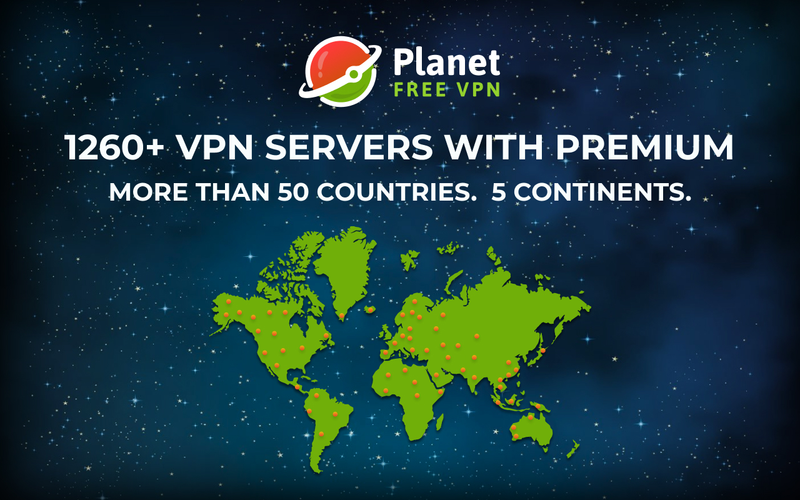
Planet VPN
Planet VPN is the perfect choice for those who want a free VPN app without registration. With unlimited bandwidth and secure data encryption, the application helps users browse the web securely on both Android and iOS. Planet VPN doesn’t offer many advanced features, though, and the number of servers may be limiting for those needing more security.
Thunder VPN
Thunder VPN is an excellent option for users seeking a VPN app for mobile that provides quick connections without the need for account creation. With its high speed and user-friendly interface, the app is ideal for quickly accessing blocked content. However, the free version has a limited number of servers and lacks advanced security features.
Proton VPN
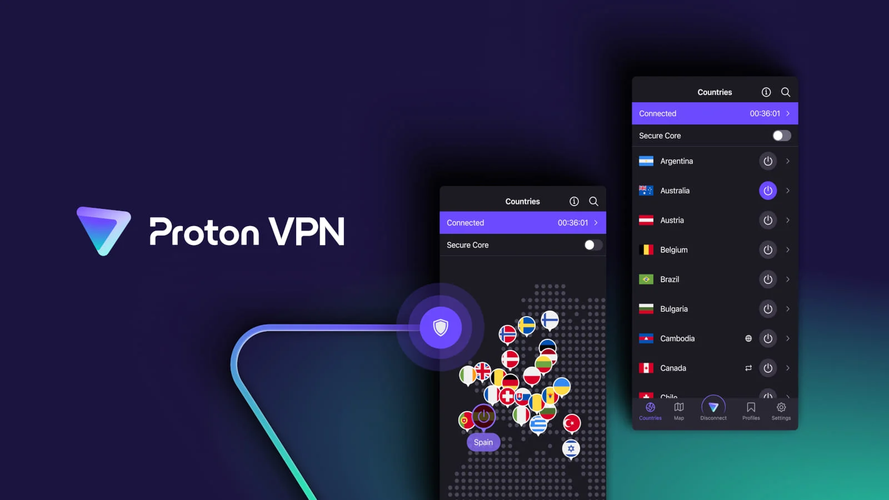
Developed by the team behind ProtonMail, Proton VPN is an ideal solution for users prioritizing high security. The app offers a free version with unlimited bandwidth and adheres to a strict no-logs policy, ensuring users feel secure while browsing the web. However, the free version has average speeds and a limited number of servers compared to the paid version.
TunnelBear VPN
TunnelBear VPN engages users with its fun and accessible design. This application provides strong encryption services and supports multiple global servers. Its standout “GhostBear” feature helps bypass strict network censorship effectively. However, free users may find the monthly data limits restrictive and need to upgrade to access the full range of features.

NordVPN
NordVPN is renowned for its network of over 5,000 servers and premium security features, including Double VPN technology and ad-blocking. It is an excellent choice for both individuals and businesses, offering high speeds and top-tier security. However, its cost is higher than many other applications, and some features are only available in premium packages.
Turbo VPN
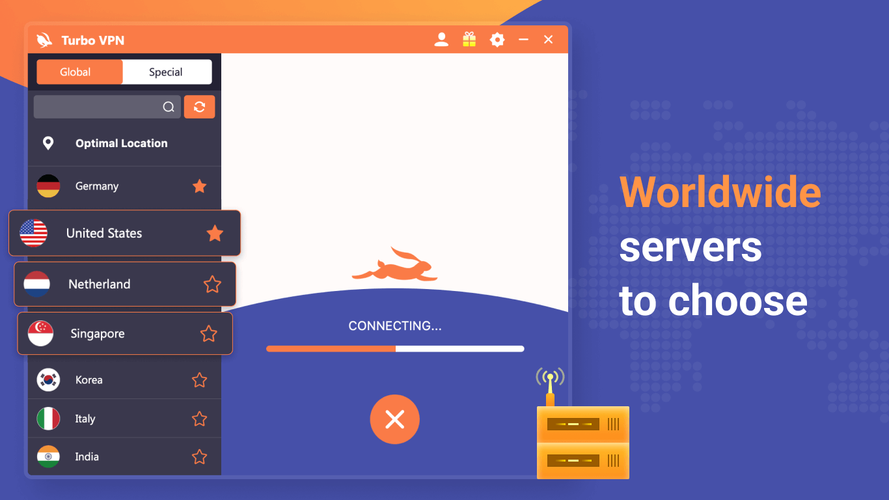
Turbo VPN is a popular VPN app for mobile due to its fast connectivity and user-friendly interface, making it ideal for those seeking a simple solution. With Turbo VPN, users can connect without registering an account, ensuring convenient access. However, the free version frequently displays ads, and its security is not as robust as that of paid services.
Secure VPN
secure VPN offers fast connectivity through a lightweight interface, making it ideal for use on public WiFi networks. The app features strong encryption and adheres to a strict no-logs policy, ensuring effective protection of user data. However, the free version is limited in server options and data capacity, and includes ads.
Surfshark
Surfshark is an excellent choice for both individuals and families, offering the ability to connect an unlimited number of devices. Its CleanWeb feature provides ad blocking and malware protection, complemented by strong encryption and high speeds. However, the interface may feel complicated for new users, and a subscription is required to access all features.
LetsVPN
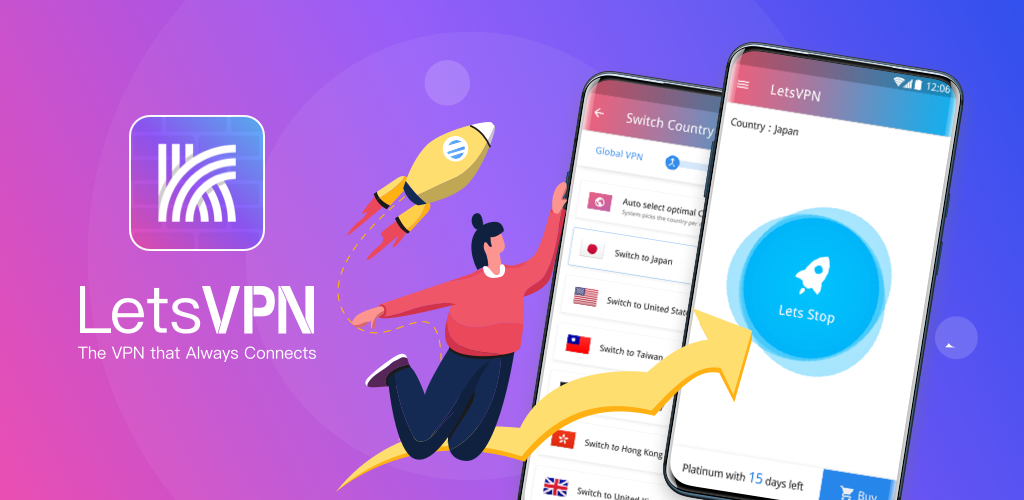
LetsVPN is a simple and user-friendly application, ideal for users who need quick connections without complicated steps. Its solid speeds and intuitive interface are significant advantages. However, advanced security features are only available in the paid version, and the free version may display ads and come with limited bandwidth.
Betternet VPN
Betternet VPN is a popular choice for users who want a simple and effective VPN app for mobile without the need to sign up for an account. With its fast connections and user-friendly interface, the app meets basic needs effectively. However, the free version includes ads, occasionally experiences unstable speeds, and offers only basic security features.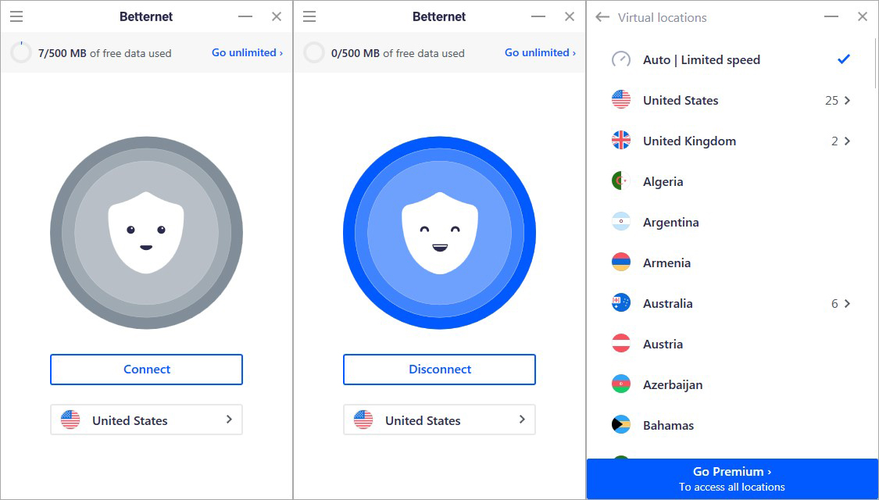
Windscribe VPN
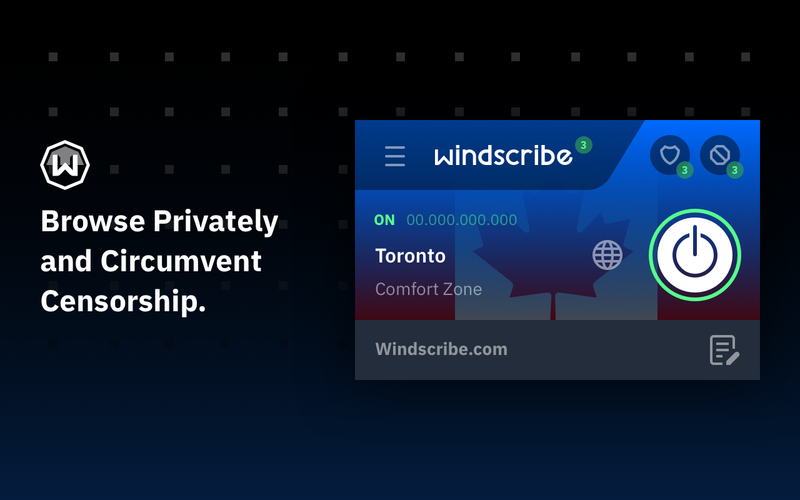
Windscribe VPN stands out for its strong security features and strict no-logs policy, ensuring users can browse the web safely. The free version provides 10GB of monthly data and includes ad-blocking capabilities. However, server selection in the free version is limited, and users need to upgrade for a more comprehensive experience.
Key tips for using VPN apps for mobile safely and effectively
When using a VPN app for mobile, consider the following tips to ensure a safe and seamless experience:
- Select a server close to your current location to optimize connection speed.
- Review the app’s privacy policy carefully before use.
- Avoid using a VPN for activities that may violate legal regulations.
- Regularly update the app to benefit from the latest security improvements.
Conclusion
Using a VPN app for mobile not only safeguards your personal information but also unlocks unrestricted access to internet content. We hope the list of apps we’ve shared helps you find a solution that fits your needs, enhancing both your browsing experience and online privacy. If you have any questions, reach out to IPFighter for the best support!
Read more

IPFoxy review: Are its pure rotating residential proxies worth it?


CatProxies review: What do its five proxy types offer?
Hidemyacc review 2026: Features, pricing and real fingerprint test results

Whitecloakproxy review: What to know before you buy

Geonix review: What makes its proxy services stand out?

Floppydata review: A closer look at its proxy network