

Imagine being able to control multiple phones simultaneously with just one click. This is entirely achievable with multiple phone control tools. In this article, we will explore some of the most popular tools for managing multiple phones, their key benefits, and essential considerations for their effective use.
What is the tool for managing multiple phones?
A multi-device control tool is a comprehensive solution that enables users to manage multiple phones simultaneously from a single interface. With this tool, tasks like sending messages, managing notifications, and controlling applications across all devices become seamless. It significantly boosts productivity by eliminating the need to switch between devices.
1. Define
Multiple phone control tools are applications or software specifically designed to help users control and manage multiple mobile devices at the same time. These tools allow connections to smartphones, tablets, or any device running Android or iOS operating systems. They not only let you monitor information on each device but also perform actions such as sending messages, receiving calls, sharing data, or even remotely controlling the entire phone screen.
2. Main features
Key features users can access with a multi-phone control tool include:
- Manage Notifications: Receive and respond to notifications from multiple phones on a single interface, saving time and effort when monitoring and managing devices.
- Data Sharing: Easily share images, videos, and documents between devices with just a few simple steps-no need for cumbersome wires.
- Remote Control: Some tools offer the ability to control an entire phone screen remotely. This feature is particularly useful for managing devices or providing support from anywhere.
- Data Backup and Recovery: Safeguard your important files, images, and videos by backing up data from your mobile phones. In case of accidental damage or data loss, easily restore everything to ensure continuity.
Benefits of using tools to control multiple phones
Using a multi-phone control tool offers numerous benefits, from saving time to significantly improving work efficiency.
1. Optimize time and work efficiency
One of the key advantages of using a tool to control multiple phones is the ability to save time. No more running back and forth between devices-its centralized management features allow you to perform all operations with just a few clicks.
Additionally, minimizing distractions from managing multiple devices lets you focus more on your primary tasks. Constantly switching between devices can slow down progress and delay task completion. By leveraging multiple phone control tools, you can streamline processes and maximize productivity. This advantage is crucial for marketers executing large-scale campaigns or exploring ways to make money online across diverse platforms.
2. Multitasking management
With a multi-device management tool, you can seamlessly track and manage multiple projects at once. This ensures you stay up-to-date with information and never miss important tasks or deadlines. For example, you can handle client messages on one device while running tools to extract phone numbers from Facebook links on another device without losing focus.
3. Process automation
Automation is a growing necessity in today’s fast-paced work environment. Phone automation software allows you to automate processes such as sending notifications, updating data, and scheduling tasks.
This not only improves productivity by eliminating repetitive tasks but also reduces errors and saves time. By adopting these tools, you can focus more on creative and strategic activities that contribute to long-term growth. This is highly effective when you are building content networks or making money with TikTok affiliate marketing using automated device setups.
Tools for managing multiple phones effectively
While there are numerous phone control tools available on the market, not all of them can fully meet users’ needs. Below are some of the most prominent multi-device management tools to consider.
1. Teamviewer
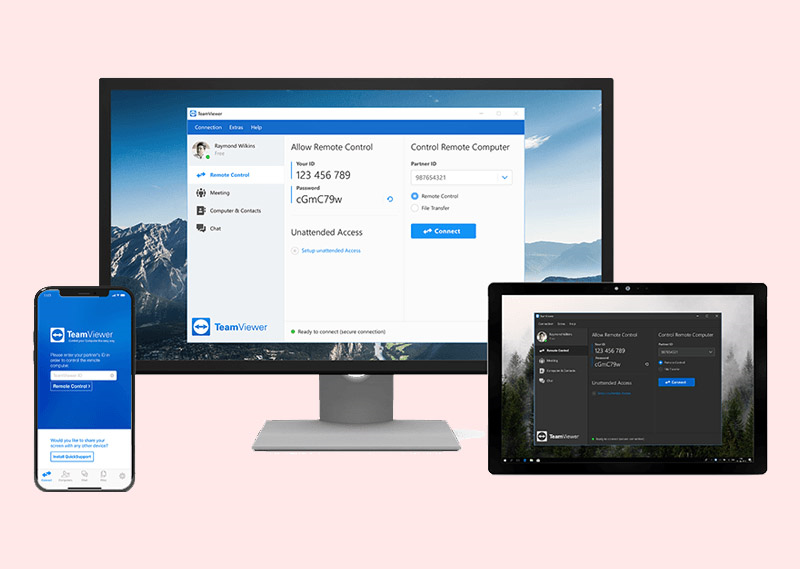
TeamViewer is among the most popular phone control tools available today. It not only supports connections between mobile devices but also enables remote control of computers.
With TeamViewer, you can effortlessly transfer data, make video calls, and even provide live technical support without any issues. Its user-friendly and intuitive interface is a standout feature, making it a top choice for both personal and professional use.
2. AirDroid
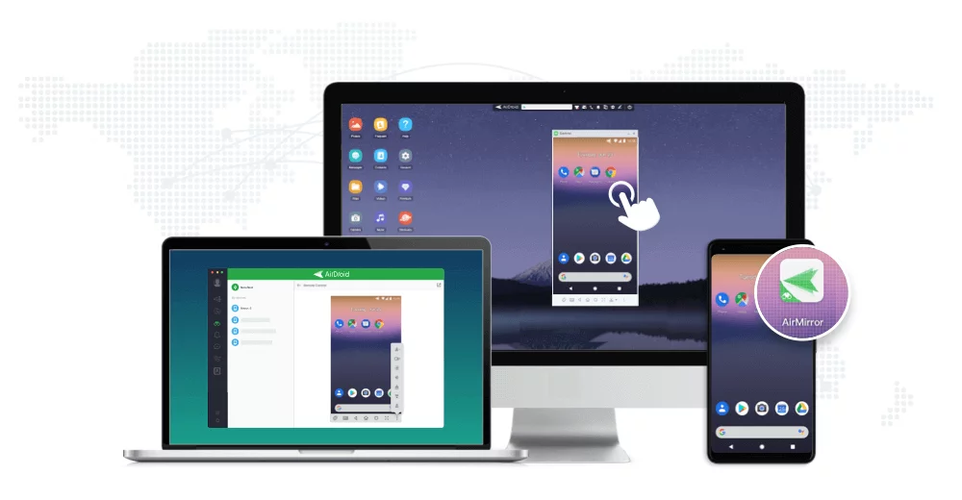
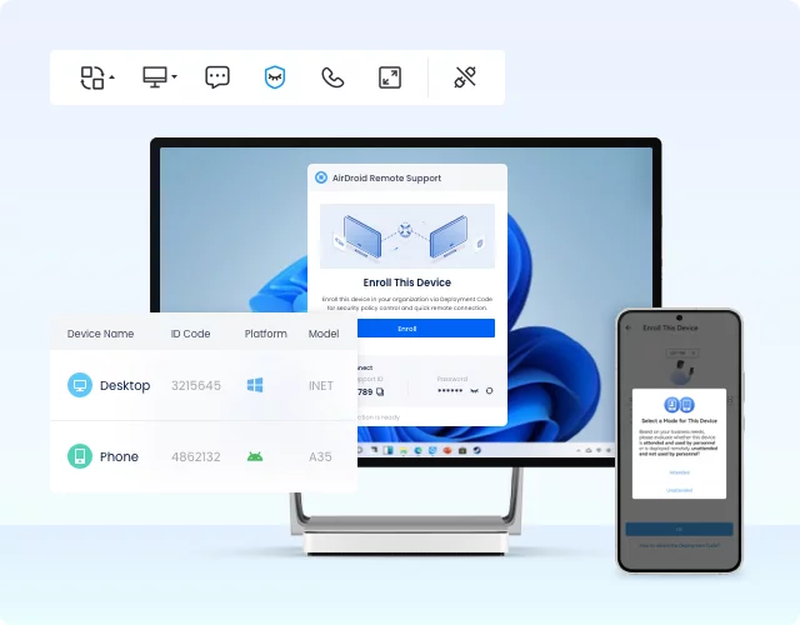
AirDroid is a well-known application that enables users to manage their Android phones directly from their computers. In addition to sending and receiving messages, it offers seamless data backup and recovery capabilities.
AirDroid also provides robust remote access features, allowing you to control your phone anytime, anywhere. This makes it an excellent option for individuals who frequently need access to their phone’s data without the hassle of carrying the device around.
3. Vysor
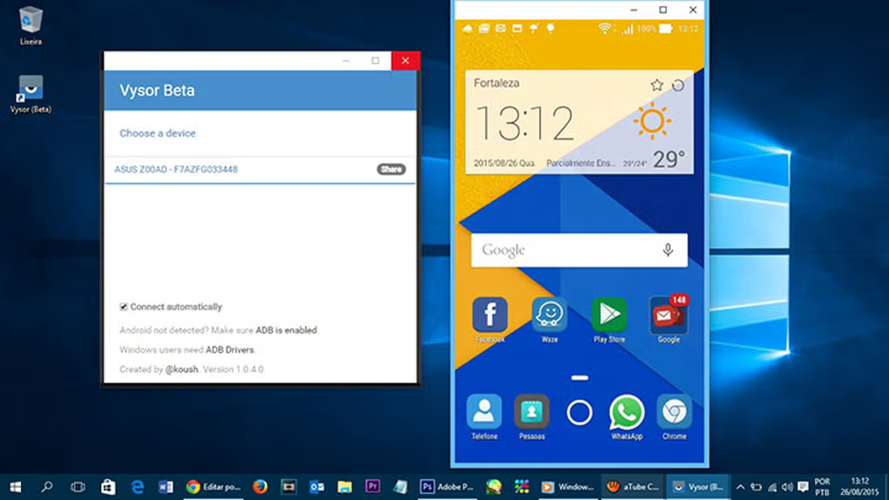
Vysor makes it simple and convenient to control your Android phone directly from your computer. A major advantage of Vysor is that it works without requiring you to root your device.
This tool is particularly beneficial for application developers, as it allows them to test apps seamlessly across multiple devices without the hassle of physically switching between them.
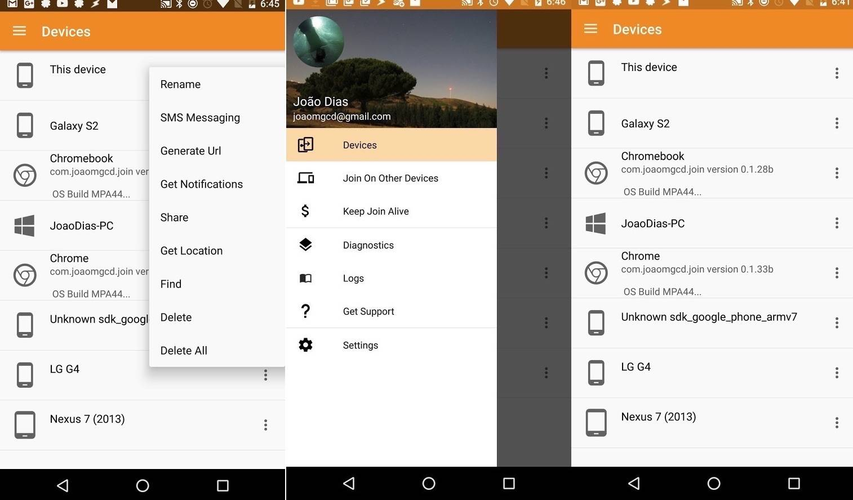
4. JOIN by JoaoApps
JOIN is a versatile application designed for users who need to manage multiple devices simultaneously. It enables you to effortlessly send messages, share files, and monitor notifications from your phone directly on your computer.
The app supports multiple platforms and offers flexible customization options, allowing you to tailor its features to suit your specific needs. JOIN is a great choice for seamless multi-device management.
5. QtScrcpy
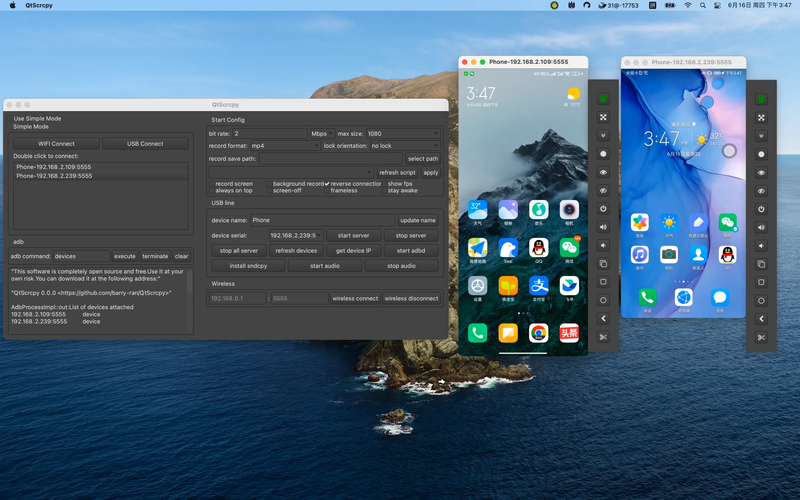
QtScrcpy is a free, open-source software that mirrors your Android phone screen to your computer and allows full control. It supports Windows, macOS, and Linux, making it ideal for tasks like watching videos, gaming, or editing documents directly on your computer.
Tips for using tools to manage multiple phones
To ensure safety and efficiency while using tools to control multiple phones, consider the following:.
1. Information security
Security is crucial when using control tools. Ensure the tools you use have strong security policies to protect your data. Regularly update passwords and enable additional protections like two-factor authentication.
2. Secure internet connection
A stable and fast internet connection is essential for optimal performance. Weak connections can hinder your ability to control devices effectively and delay task completion.
3. Understand the tool’s function
A stable and fast internet connection is essential for optimal performance. Weak connections can hinder your ability to control devices effectively and delay task completion.
Conclusion
Multi-phone control tools are excellent solutions for optimizing workflows, saving time, and enhancing performance. However, always prioritize information security, stable internet, and proper understanding of the software to maximize their benefits.
Read more

Unblocked movies: Best free and legal streaming sites in 2026

What happened to TorrentGalaxy? Status, risks and alternatives

Guide to Playing Axie Infinity for the fastest earning in 2026
What is Tensor? Enjoy the world of NFTs with outstanding features on Solana

Should you mine bitcoin using VPS? All you need to know before starting

Earn money with crypto bounties: What you need to know